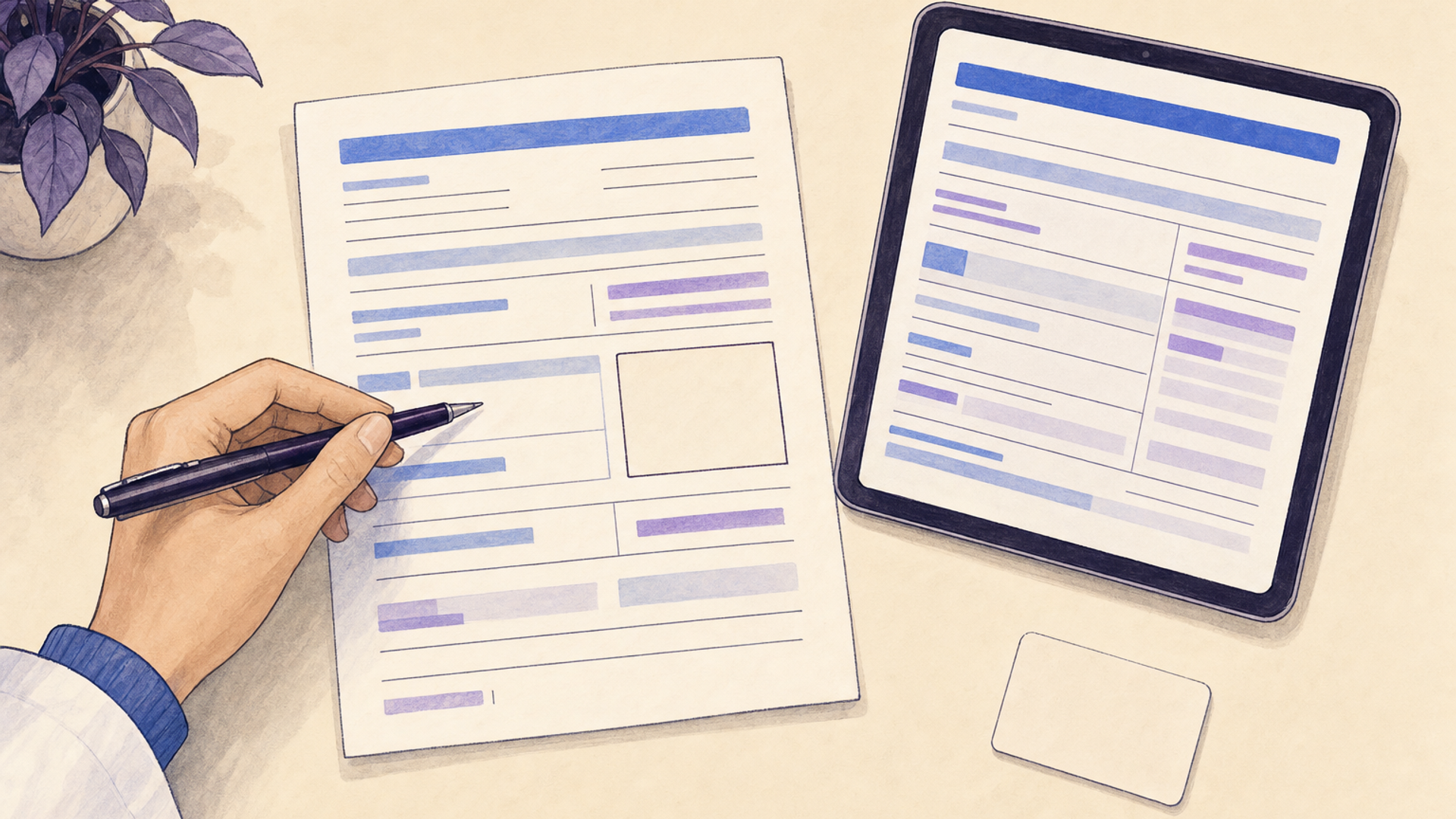

An encounter form records selected details of a patient visit so staff can enter charges or prepare billing. It usually connects the patient, service date, provider, services and relevant diagnosis or procedure codes. In medical offices, you may also hear it called a superbill, charge slip or charge ticket. The form can be paper or an electronic screen.
The clinical note documents what happened during the visit; the encounter form collects the details used to bill for it. The same pharmacist may provide the care, document it and submit the claim. In a larger organization, these responsibilities may be shared.
What an encounter form contains
There isn't one encounter-form layout for every setting. A practice typically builds its form around the services it provides and the information it needs to prepare claims. A short list of frequently used services can make selection easier, provided staff can identify the actual service when it isn't on that list.
Patient and visit details connect the form to the right encounter: patient identifier, service date, location and the person who furnished care. Registration information may already supply the patient's name and coverage. Reusing verified information avoids asking staff to copy it onto a second document.
Service and coding details describe what is being billed: the service or supply, applicable procedure and diagnosis codes, and units or modifiers when needed. A description beside the code helps the reviewer notice a mismatch. Our CPT versus ICD-10 guide explains the different roles of procedure and diagnosis codes.
Charges and billing notes may include the charge amount and a specific issue to resolve before submission, such as a service awaiting clarification. The charge is the amount billed; it isn't the payer's allowed amount or a final patient balance. A payment field, if present, should distinguish money already collected from money still due.
These are useful field categories, not a universal list of payer requirements. For example, Utah Medicaid's MTM/CMM program requires encounter documentation that includes time spent, medication evaluation, a written plan and follow-up information. A generic service-and-price form wouldn't capture that full clinical record. Use the requirements for the pharmacy's actual program when deciding what to document and where it belongs.
Encounter form, superbill, clinical note or claim?
The names overlap, but the document's recipient and purpose help you distinguish them.
An encounter form or charge slip often serves the practice's internal billing process. It records the services used to enter or review charges. An electronic version may assemble some entries from the chart.
A superbill can mean that same internal form. It can also mean an itemized service document a patient receives to support a reimbursement request. If a patient asks for one, find out whether they need service and coding details for their insurer or simply proof of payment. The insurer's submission instructions determine what accompanies the request. For example, Sana's member guidance asks for provider identifiers, service and diagnosis codes, charges and the amount paid; a payment total alone wouldn't meet those instructions.
A clinical note records the history, findings, assessment, actions and follow-up relevant to care. It supplies facts behind the selected service. A form that contains only a code and price may omit those facts. CMS's medical review guidance explains why Medicare reviewers request supporting records when evaluating services reported on claims. The pharmacy SOAP-note guide covers writing the encounter narrative.
A claim is the request sent to the payer in the required format. CMS identifies the 837P as the electronic professional claim format and CMS-1500 as the paper form. Medicare permits paper submission only in specified circumstances. An encounter form supplies information used to prepare that transaction; it isn't itself an 837P or CMS-1500. Retail prescription-drug claims use a separate transaction format, so a pharmacy should identify the benefit and billing route for the clinical service.
A receipt shows a payment transaction. It may share details with a superbill, but a receipt with only a total paid may not contain the service codes or provider information an insurer requests.
Read an example encounter entry
Consider a hypothetical pharmacy where the pharmacist administers a vaccine and prepares the claim under an established medical-billing arrangement. Its electronic encounter screen contains a patient reference, today's service date, the pharmacist and location, and separate selections for the vaccine product and administration.
The product entry matches the administration record, but the administration entry still carries a default location copied from another branch. The pharmacist provided care at the pharmacy's downtown location; the proposed billing entry names the north location.
Before submitting the claim, the pharmacist checks the service location against their clinical record and corrects the billing entry using the payer's location and provider requirements. The selected vaccine and administration entries describe the intended billing items, while the location discrepancy shows why a populated form still needs review.
If the clinical record instead shows that the patient deferred the vaccine, a preselected administration charge needs to be removed or held through the system's correction process. A scheduled service and a performed service are different facts. Any counseling actually provided needs its own documentation and applicable billing arrangement; it doesn't automatically become a payable substitute for administration.
This example concerns the accuracy of one encounter's billing details. The charge-capture guide covers the wider task of finding completed services with missing, duplicate or delayed charges.
Paper and electronic encounter forms
A paper form can give a clinician a compact service list to mark during a visit. After the visit, use it to enter or verify billing details in the correct patient record. The form also needs a place for an unlisted service or a clarification, so staff aren't pushed toward the nearest printed option.
An electronic form can reuse patient and visit information, display selected services and pass entries to a billing queue. The exact behavior depends on the application. Check where entries are stored and which changes flow back to the chart.
For example, PCC EHR's public instructions describe a billing window that gathers charted diagnoses and procedures. They also explain that diagnoses entered manually in that billing window don't become part of the patient's medical record. That's a specific product behavior, and a useful question to ask of any system: did the correction update the clinical record, the billing record, or both?
Choosing or adapting a template
Start with the form or screen already used by the pharmacy's billing arrangement. If a contracted program supplies its own documentation and submission workflow, build around that requirement before adding a separate template.
For a new form, work through a fictional encounter from documenting care to preparing its billing details. You should be able to identify the performed service, locate its supporting note and resolve a missing field without guessing. If someone else handles billing, include them in this review.
A copied template may contain services your pharmacy doesn't provide, outdated codes or assumptions from another provider's billing arrangement. Remove irrelevant options and validate the remaining ones for the intended service and payer. If your existing software already produces the necessary billing information from the clinical record, an additional encounter form may only duplicate entry.