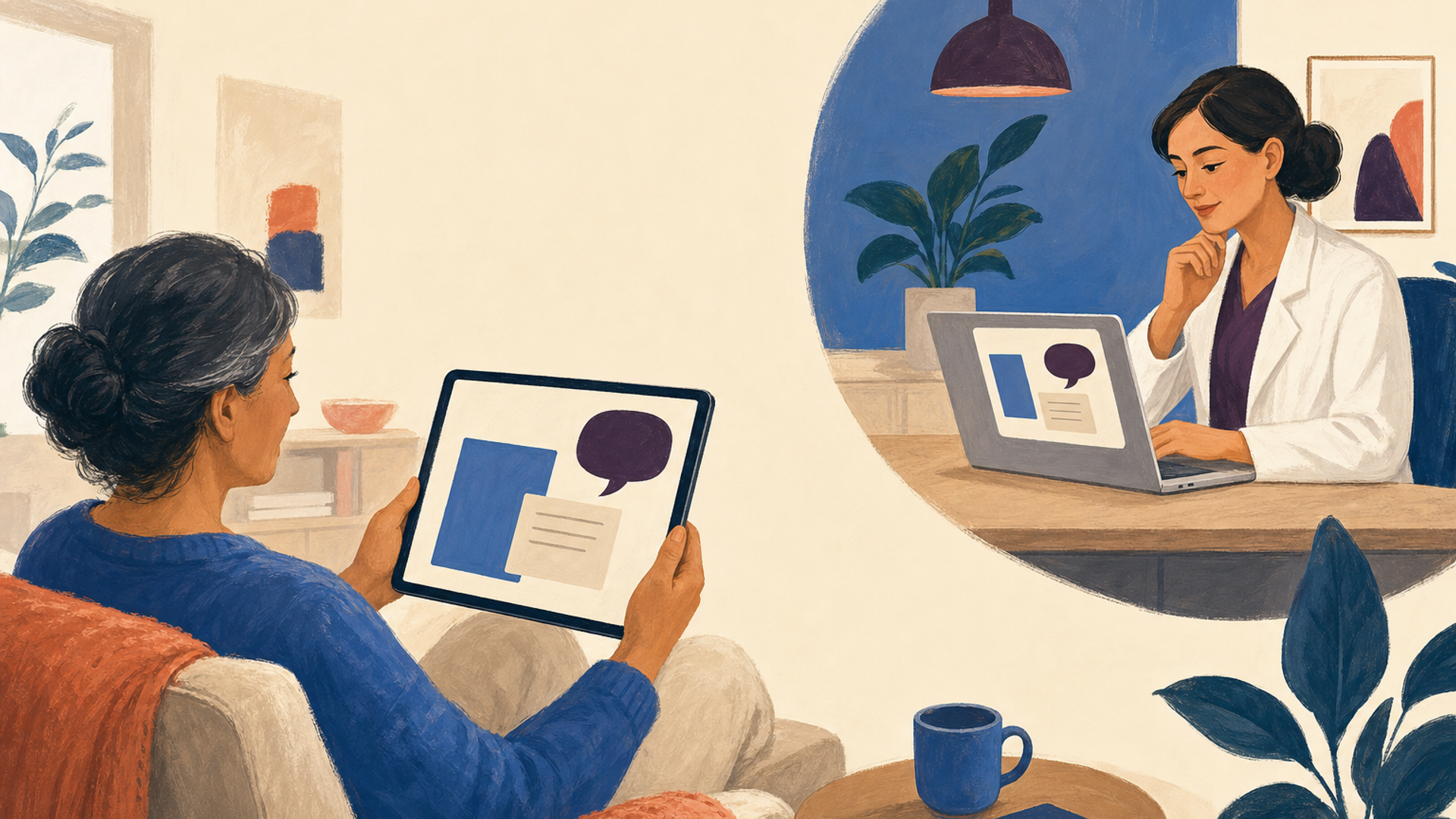

A patient portal is a secure website where patients can sign in to see health information and, when the provider offers those features, exchange messages, request appointments or complete forms. A portal may also be available through a mobile app. The healthcare organization decides which records and services patients can use there.
For a pharmacy providing clinical care, a portal can give patients a place to find a visit summary or ask a nonurgent follow-up question. The useful distinction is between what the patient can see or submit and what the pharmacy still needs to review or complete. A sent message, for example, does not mean someone has answered it.
Patient portal, EHR and health app: what is the difference?
An electronic health record (EHR) is the clinical system professionals use to document care. A patient portal gives the patient access to selected information and services connected to the organization. The portal and EHR may be parts of the same product, but patients and clinicians use different views and permissions.
An app describes how someone opens a service on a phone or tablet. It might be the mobile version of a provider’s portal, or a separate personal health tool. An app’s presence on a phone does not establish which provider maintains its information or which records it can retrieve.
What can patients do in a portal?
Depending on the setup, patients may view visit notes, medication lists, immunizations, allergies or test results. Some portals also support appointment requests, secure messages, forms, payments or prescription refill requests. Ask which features the specific organization has enabled. A pharmacy’s clinical-service portal may be separate from its dispensing system’s refill app.
Before a consultation, a patient might submit information about their medicines or goals. Find out whether staff receive a document, a message or proposed updates to clinical fields. The pharmacist still needs to assess information used for care; completing an online form does not establish that review has happened.
Getting access and helping a caregiver
Start with the provider’s official website or an invitation confirmed by its staff. Enrollment may require an activation code or identity verification. If an invitation has expired or the account cannot be matched, contact that organization’s portal support rather than creating another account with different patient details.
For a caregiver, ask about proxy access: permission to use their own account to view or manage specified information for the patient. ONC recommends separate secure logins. The organization’s rules determine what a proxy can see and do; access for children and adolescents can differ from adult access. Do not assume a family relationship grants full access.
Messages need a response plan
Patients should know who receives messages, when the inbox is monitored and when to expect an answer. The pharmacy needs someone responsible for reviewing incoming questions, including coverage when that person is away. Administrative requests and questions requiring a pharmacist’s judgment may need different handling.
Use portal messages for the nonurgent questions the organization accepts. Do not wait for a portal reply for urgent care; follow the provider’s urgent-contact instructions and use emergency services for emergencies. Around-the-clock access to the website does not mean around-the-clock staff availability.
Example: the patient cannot find a visit summary
In this fictional example, a patient completes a pharmacy medication-review visit and later signs in to retrieve the agreed follow-up plan. The appointment is visible, but the visit summary is missing. The patient sends a message asking where to find it.
The pharmacy first confirms the patient and visit, then checks whether the summary was completed and made available through that portal. Here, the pharmacist completed the note, but staff attached the patient-facing summary only to the internal record. Staff use the organization’s approved process to provide the summary and reply with the correct location. The patient confirms that it opens.
The visible appointment established that a booking existed. The completed note established documentation in the clinical system. Neither showed that the patient could retrieve the intended summary. Testing access to the actual document resolves the patient’s question without making them submit the same request repeatedly.
Missing or incorrect records
A portal may not contain everything a provider holds. If the needed information is unavailable, ask the organization how to request it through another route. ONC describes options including an access request, email or a written request; the provider can explain its process. A patient who cannot use a smartphone or portal still needs a workable way to request records.
If information is incorrect, tell the provider what is wrong and ask how to request an amendment. HHS describes the right to request a correction and to submit a statement of disagreement if a request is denied. Sending a portal message does not itself edit the provider’s medical record. For broader disclosure questions, see the medical release-form guide.
What should a pharmacy ask a vendor to demonstrate?
Use a synthetic patient to try the missing-summary example from both sides: sign in, find the visit information, send a question, locate it in the staff inbox, respond and open the document as the patient. Repeat the access step as an authorized caregiver. This reveals which tasks the proposed setup supports and which require another process.
Ask the vendor to include any interface or support charge required to make that same patient task work. Include a supported alternative for patients who cannot sign in.