
Pharmacies doing clinical services billing have gotten pretty good at collecting from payers. But collecting from patients? That's still a whole separate conversation, a separate system, or a sticky note on someone's desk that eventually gets lost.
When a patient owes a copay on a medical claim, or when they're paying out of pocket for a consult, a point-of-care test, or an MTM session, most pharmacies are cobbling together a workaround. Phone calls. Square. An emailed PDF. A payment processor that has no idea what a claim is.
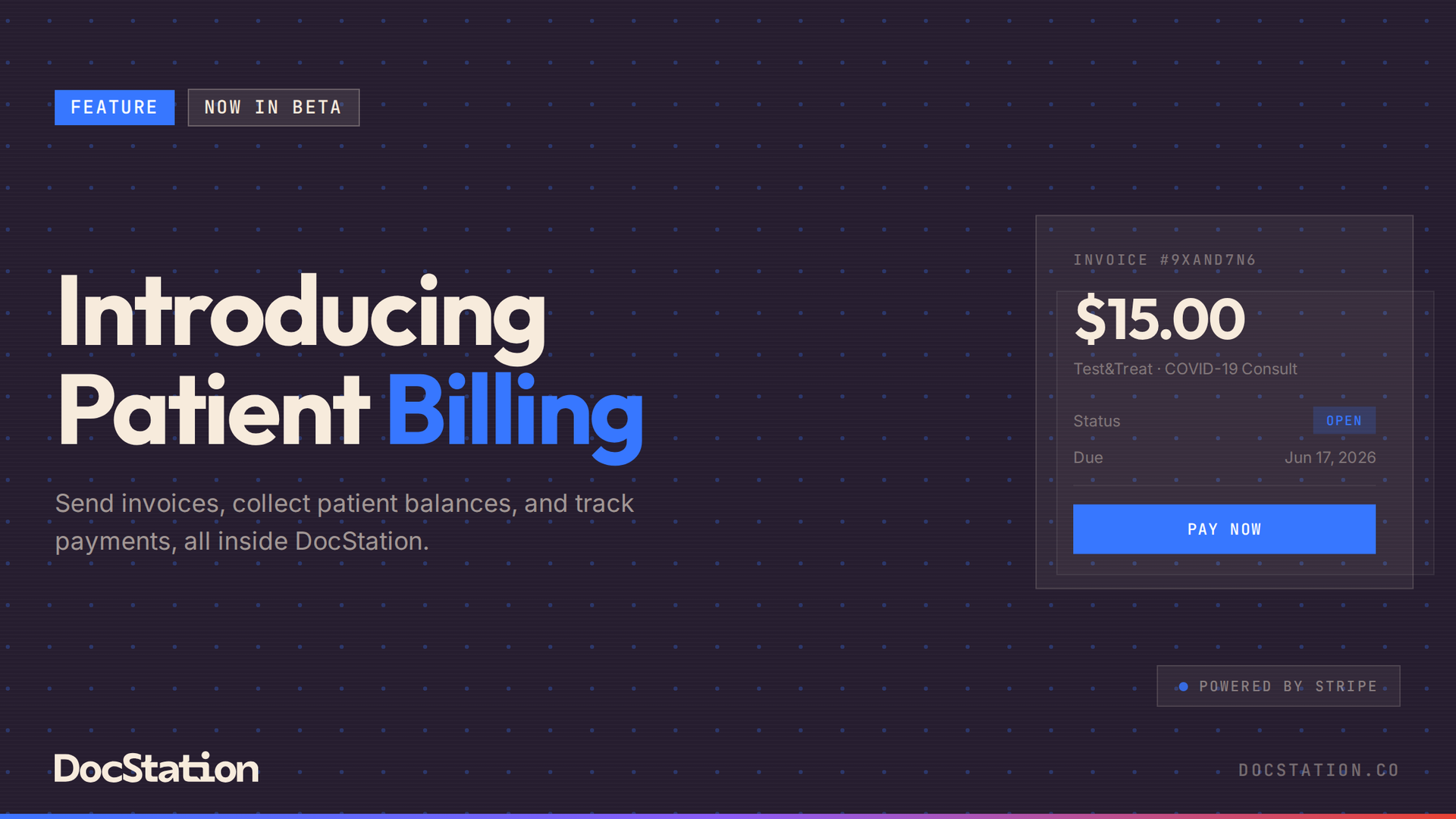
Patient Billing closes that gap. It's built directly into DocStation so that from the moment a claim is adjudicated, your team can issue an invoice, send a payment link, and track exactly what was collected, all from the same platform you're already in.
How It Works
Patient Billing is powered by Stripe and lives natively in DocStation. Setup is a one-time process: an admin navigates to Settings, accepts the Patient Billing add-on terms, and connects the pharmacy's Stripe account through Stripe's hosted onboarding flow. The whole process takes about 10 to 15 minutes. Once the Stripe account is connected and active, Patient Billing features appear across the platform and the pharmacy is ready to send its first invoice. Payments go directly into the pharmacy's bank account. DocStation doesn't hold funds or add a markup to the processing fee.
From Claim to Invoice in Seconds
The most natural way to start an invoice is directly from the claim tray. When a paid claim comes back with patient responsibility, staff can scroll to the Patient Billing section at the bottom of the claim, click "Bill patient," and a pre-filled invoice pops up. The line items, date of service, and claim reference are already there. Staff reviews, confirms the patient's email address, and clicks "Finalize & send." The loop opens.
For services that weren't billed to insurance at all, invoices can also be created from the patient's Billing tab. Add a service description, set an amount and due date, add an optional memo (it appears on the payment page after the patient verifies their identity), and send. Invoices can be saved as drafts for review before finalizing, which is especially useful when a team member needs a second set of eyes before the link goes out.
A Frictionless Experience for Patients
Patients receive an email with a secure link to their invoice. The payment page is hosted at caresecurely.com and works on any device. Patients verify their identity with their date of birth, review the line items, and pay with a credit card, debit card, or bank transfer. No account creation. No app download. No login. Once payment goes through, the invoice updates to Paid in real time, and the activity feed in DocStation logs the event automatically.
If a pharmacy prefers to share the payment link through a different channel, like a text message, they can copy the link directly from the patient's Billing tab and send it however they want. Stripe handles the checkout. DocStation captures the result.
Full Visibility on the Billing Tab
The patient's Billing tab is where everything lives after the invoice goes out. Staff can see all open and historical invoices, outstanding balances across the account, every transaction, and a timestamped activity feed that shows who did what and when.
From that same screen, staff can issue full or partial refunds, apply credits (adjustments, prepayments, goodwill credits, or refunds), write off balances the pharmacy has decided not to pursue, log payments received outside of DocStation like cash or check, and resend payment links if a patient needs them again.
The goal is a single, clear record of what a patient owes, what they've paid, and what actions your team has taken, without spreadsheets, without a second system, and without chasing anyone down.
Pricing
Patient Billing is available on all DocStation subscription tiers. Essentials accounts can send up to 50 invoices per month. Base and Enterprise accounts have no monthly limit. A standard Stripe processing fee of 2.9% + $0.30 applies per transaction, passed through directly with no DocStation markup.
This Feature Is Now in Beta
Patient Billing is brand new and rolling out to early access customers first. If you want to be among the first pharmacies to put it to work, we'd love to hear from you.